Mobile data speed is something we feel strongly in our day-to-day lives. When you understand how it works, life becomes easier. In this article, we’ll go over what mobile data speed is, what affects it, and also share tips on how to improve it. And the truth is, it’s more in your hands than you might think.
Table of Contents
What Affects Mobile Data Speed
Mobile data speed is influenced by far more than meets the eye. Sometimes we’re convinced the problem is with the phone, but in reality, other factors are affecting things behind the scenes. Once you understand them, you can start taking action.
When you understand these three factors, you’ll be able to easily identify why your connection is fast or slow. Best of all, you’ll know exactly what to do to improve it.
- Your Location: Coverage isn’t the same everywhere, and even if there’s a nearby cell tower, it can sometimes be overloaded. Think of it like a major intersection at 4 p.m. — the road exists, but everyone is on it at the same time.
- The device and SIM technology: Even if your device supports 4G or 5G, if the SIM is very old or your plan limits speed, the result is like putting a Formula 1 engine on wagon wheels. It tries — really — but there’s a limit.
- Network congestion: During hours when everyone is browsing at the same time, speeds drop. It’s not personal; it’s simply physics and communication networks trying to serve everyone simultaneously.
How to Measure Mobile Data Speed
- Disconnect from Wi-Fi: Many people test their speed while connected to their home router and then blame the SIM. If your goal is to check your mobile data speed, make sure the phone is using only the cellular network.
- Visit a site like Speedtest or Fast: These are simple websites that run a quick test and measure the three key metrics: download speed, upload speed, and ping.
- Understand the results: If you see speeds that are significantly lower than what your plan should provide, there are two possibilities — either your location isn’t ideal at that moment, or the network is congested. Sometimes it’s worth turning the phone off for five minutes and testing again.
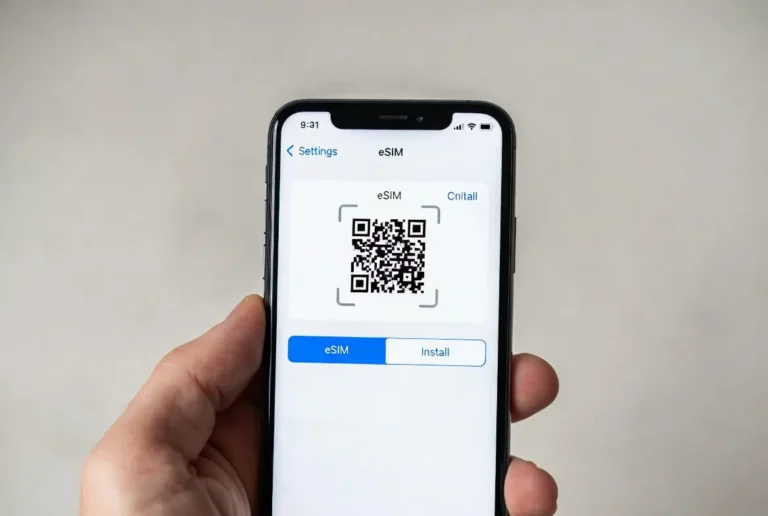
If after all this you find that the speed still doesn’t meet your expectations, it may be time to upgrade. Buy a local plane. If you live in Israel for example, switching to a HOT eSIM might be a good option.
Tips to Improve Your Speed
- Update network settings on your device: Over time, devices can accumulate outdated network settings that may slow things down. Go to Settings > General > Reset > Reset Network Settings (or on Android, through network and reset settings).
- Check whether the device is on 4G or 5G: Many people discover their phone is set to 3G without realizing it. Going into cellular settings and selecting a more advanced generation can work wonders for speed.
- Turn mobile data off and on again: It sounds like a “lazy technician’s fix,” but it works. Briefly turning data off and back on forces the device to reconnect to a stronger nearby antenna.
- Check apps running in the background: Some apps consume a lot of data without notifying you — especially automatic backups, security cameras, or cloud apps. Closing them or limiting background data usage can solve the problem.
- Clear cache memory: Especially on Android, apps store large amounts of data that can weigh down communication. Clearing the cache of your browser and heavier apps can improve responsiveness and speed.
If you’ve tried everything and your browsing is still slow, it’s not the end of the road. It’s probably just time to upgrade your SIM or your plan.
The Safest Way to Increase Your Speed
Sometimes people think mobile data speed depends only on the device or the local infrastructure, but the truth is that the SIM itself plays a much bigger role than it seems. A high-quality, up-to-date SIM that’s compatible with newer networks allows the device to connect faster and fully utilize the capabilities of 4G or 5G.
When you’re using an old SIM or a plan that limits speed, even the most advanced phone can feel stuck. It’s like trying to pour water through a bottle with a half-closed cap — no matter how fast you want the water to flow, something is holding you back. In many cases, switching to a modern prepaid recharge or upgrading your SIM is the simplest and safest way to unlock faster speeds — without changing devices or committing to a long-term contract.
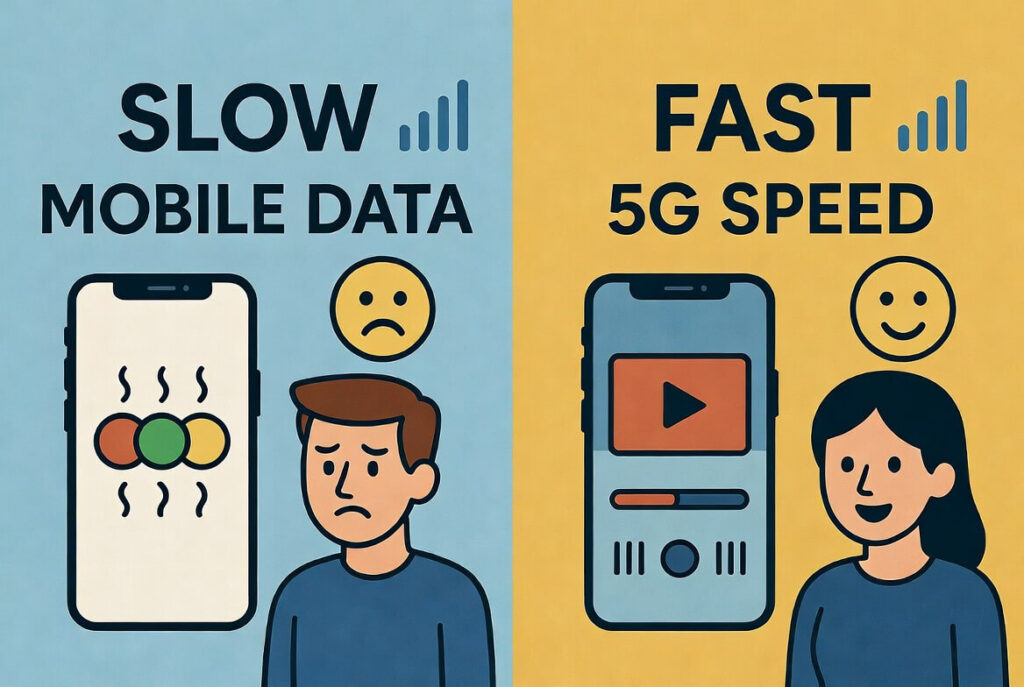
In summary, mobile data speed isn’t magic and it isn’t a gamble — but it’s definitely not something you should compromise on. Once you understand what truly affects it, how to test it properly, and which simple steps can improve it, your entire digital experience changes. Some solutions are immediate, like moving to an area with better reception, while others require longer-term thinking. The better you understand your tools, the more control you’ll have over your mobile data speed — instead of it controlling you.