If you’ve made it here, you’re probably holding a new SIM card and asking yourself how to insert a SIM into your phone without messing things up. You don’t want to break anything, and you don’t want to waste time on something that’s supposed to be this basic.

Before inserting a SIM, it’s important to check one small thing
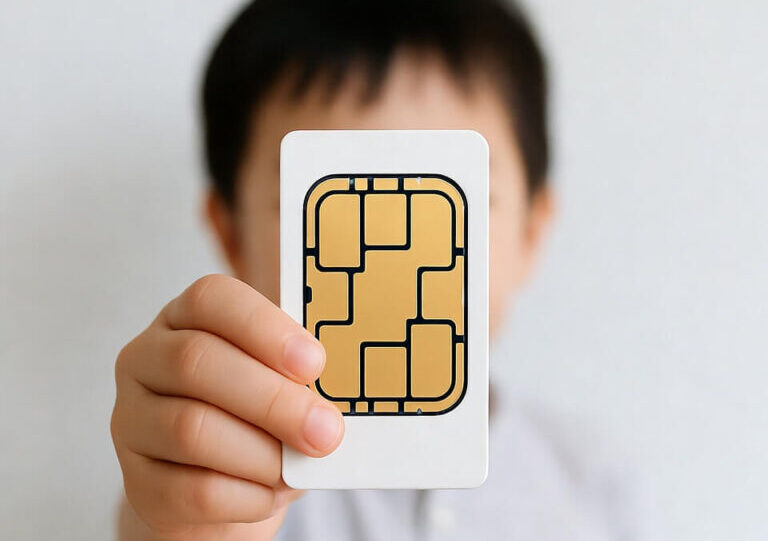
Take a look at the SIM card you received. Most SIM cards today come in a multi-size format that can be snapped down to fit your specific device. If you’re not sure which size you need, just check your phone model on Google—it will tell you exactly which SIM size to use.
The Method
This is the only simple method for how to insert a SIM into a phone:
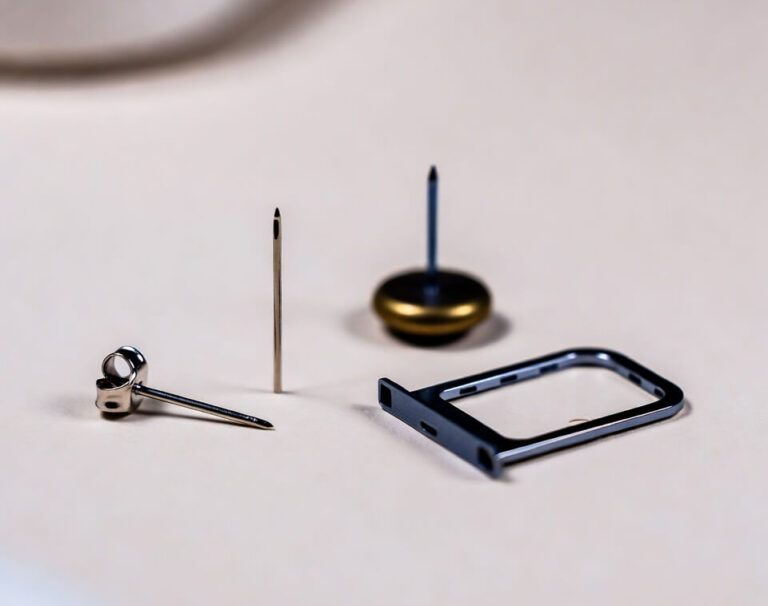
- Take a Sim eject pin
- Insert it into the small hole on the side of the device (remove the phone case if needed)
- The tray will gently pop out
- Place the SIM card in the tray according to its shape
- Push the tray back in gently
What if You Dont Have a Pin?
And that’s it. The SIM is in, the phone is ready, and you can get back to what actually matters—without stress or worry. If something didn’t go quite right along the way, you can always pause, check again, and try gently. In the end, it works out exactly as it should.