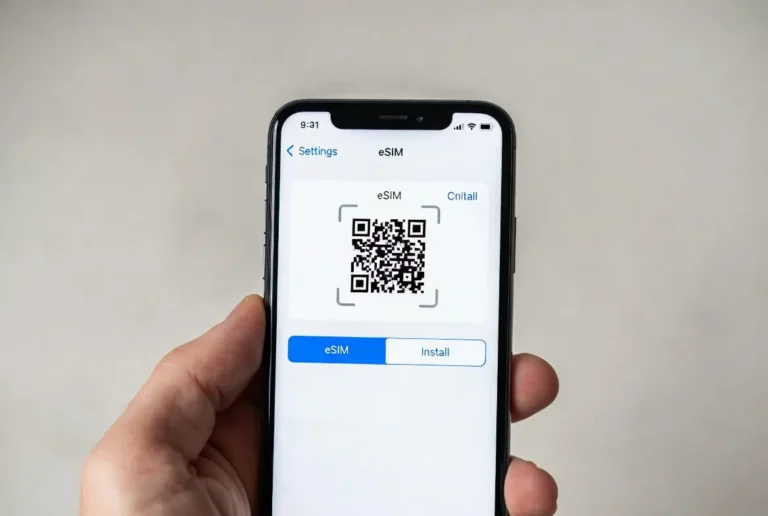
Topping up a prepaid SIM sounds like a simple action, but if you got confused, you’re not alone. In this guide, we’ll explain how to recharge online correctly, what options are available, and what you should watch out for.

Topping Up a Prepaid SIM in Practice
In practice, topping up a prepaid package is a short process that should take only a few minutes. If it feels complicated, it’s usually because it wasn’t explained simply enough.
First, you need to know which mobile carrier your SIM belongs to, for example Hot Mobile or Cellcom. This is a critical step, because every top up must match the correct carrier, otherwise it won’t go through. If you want, you can top up prepaid packages for Hot Mobile, Cellcom, Pelephone, and Partner on our website.
After that, you enter the carrier’s top up website, choose the mobile company, enter the SIM’s phone number, and select the top up amount.
You then pay by credit card or another payment method. Once the payment is approved, the top up is applied automatically. There are no codes, no calls to support centers, and no need to leave the house.
Within minutes, and sometimes even seconds, the SIM is recharged and the line becomes fully active again. Signal is restored, you can make calls, send messages, and connect to the internet without unnecessary hassle or endless checks.
If the line was blocked due to lack of balance, which happens more often than people admit, the top up effectively brings it back to life. There’s no need to contact customer service, no identity verification, and no waiting for a representative. Once the top up is registered in the system, the block is removed automatically